Stream up to 3 music channels simultaneously to hundreds of listeners — no hardware, no app, no hassle. Just scan, connect, and dance.
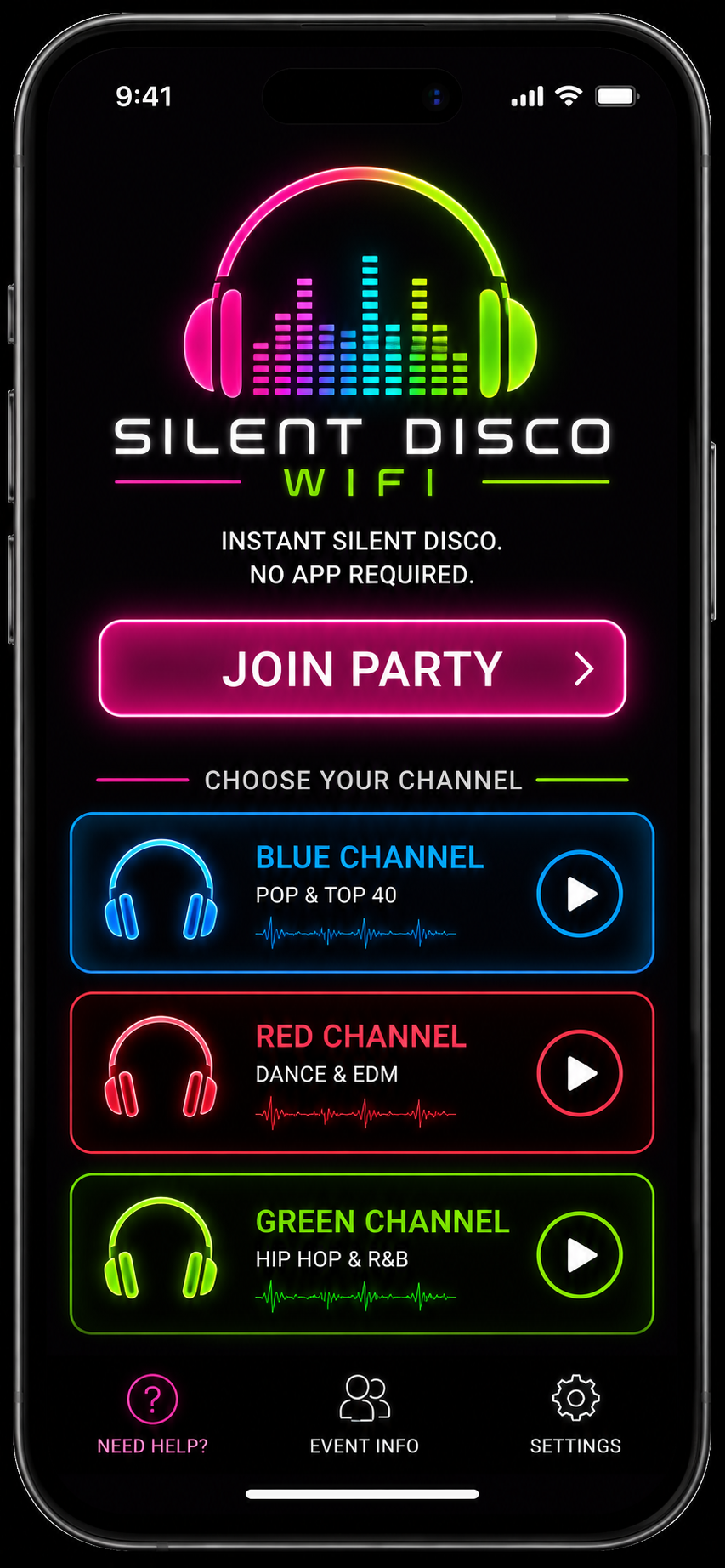
Run Blue, Red, and Green channels simultaneously. Patrons choose their channel from any browser — no app install required.

Our proprietary audio protocol delivers sub-second synchronisation across all devices. Every listener hears the same beat at the same time.

iPhone, Android, desktop — if it has a browser it works. Bring your own wireless or wired headphones and smart device. No app store, simple easy setup using your own devices.
See every connected listener, their device, buffer health, and channel in real time from the admin panel.
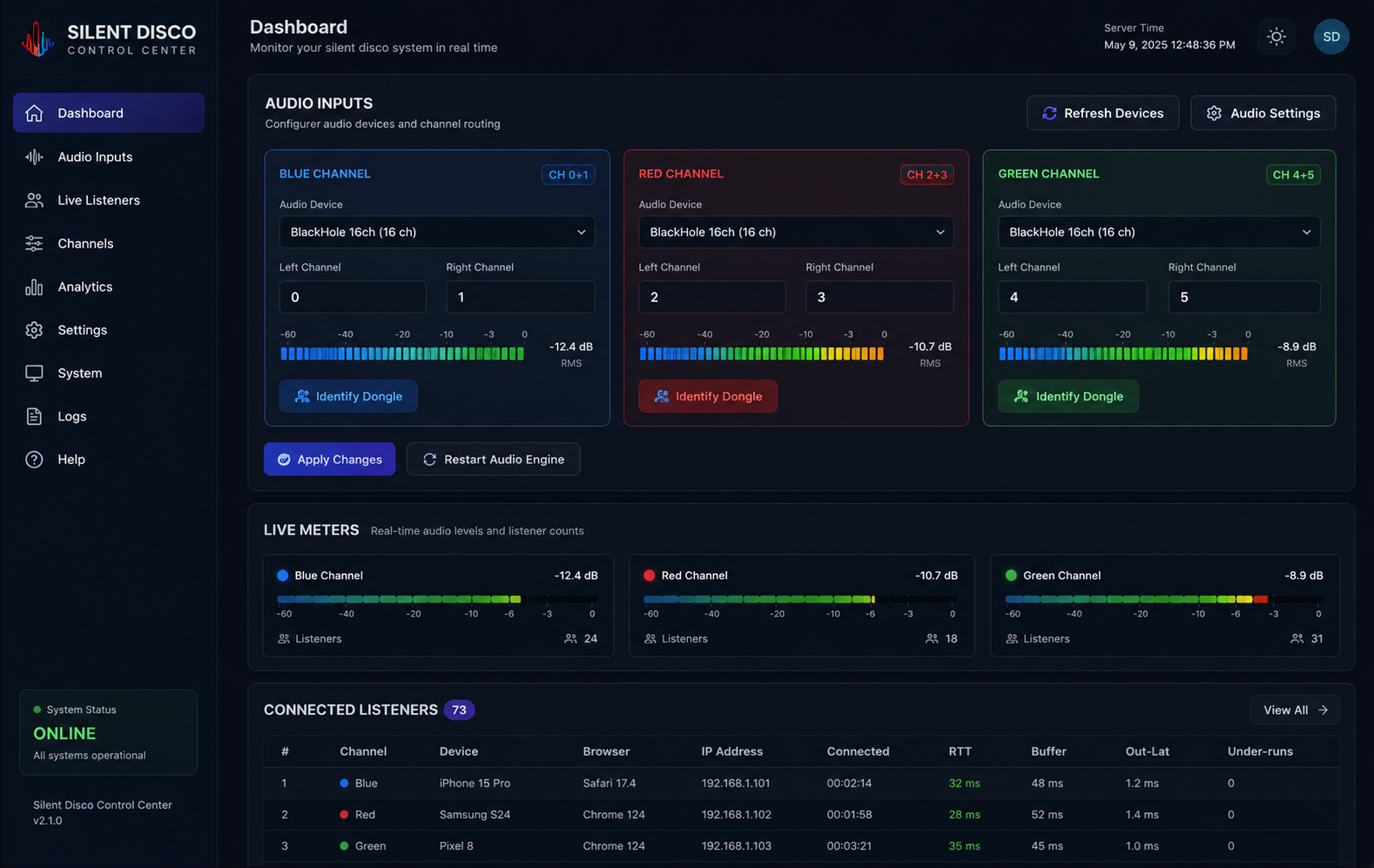

Works on Mac or Windows. DJs and operators plug into the venue’s existing WiFi — no special networking hardware required.
Silent Disco WiFi runs on any modern MacBook, Mac mini, iMac, or Windows 10/11 laptop or desktop. If the venue already has a computer, you’re ready to go.
 Use the Venue’s WiFi
No need to bring your own router. Plug into the venue’s existing WiFi network with an Ethernet cable and broadcast to guests already on that network.
Reaches further and through more walls. Good for spread-out venues. Supports roughly 20–30 listeners per access point before audio quality drops. More prone to interference from Bluetooth and neighbouring networks.
Cleaner signal, less congestion, and up to 50–80 listeners per access point. Shorter range than 2.4 GHz but ideal for most indoor venues. Use 5 GHz whenever possible for the best listener experience.
Ethernet is always better for the host computer. Run a cable from the venue router directly to the Mac or PC running Silent Disco WiFi. This eliminates jitter on the server side so only guest devices use wireless. If Ethernet isn’t possible, place the host computer as close to the access point as possible and use 5 GHz.
Traditional DJ setups need thousands of dollars of PA speakers, subwoofers, amplifiers, and mixers — then a noise ordinance shuts you down at 10pm anyway. Silent Disco WiFi eliminates all of that.

Everything you need to set up and run a flawless silent disco event.
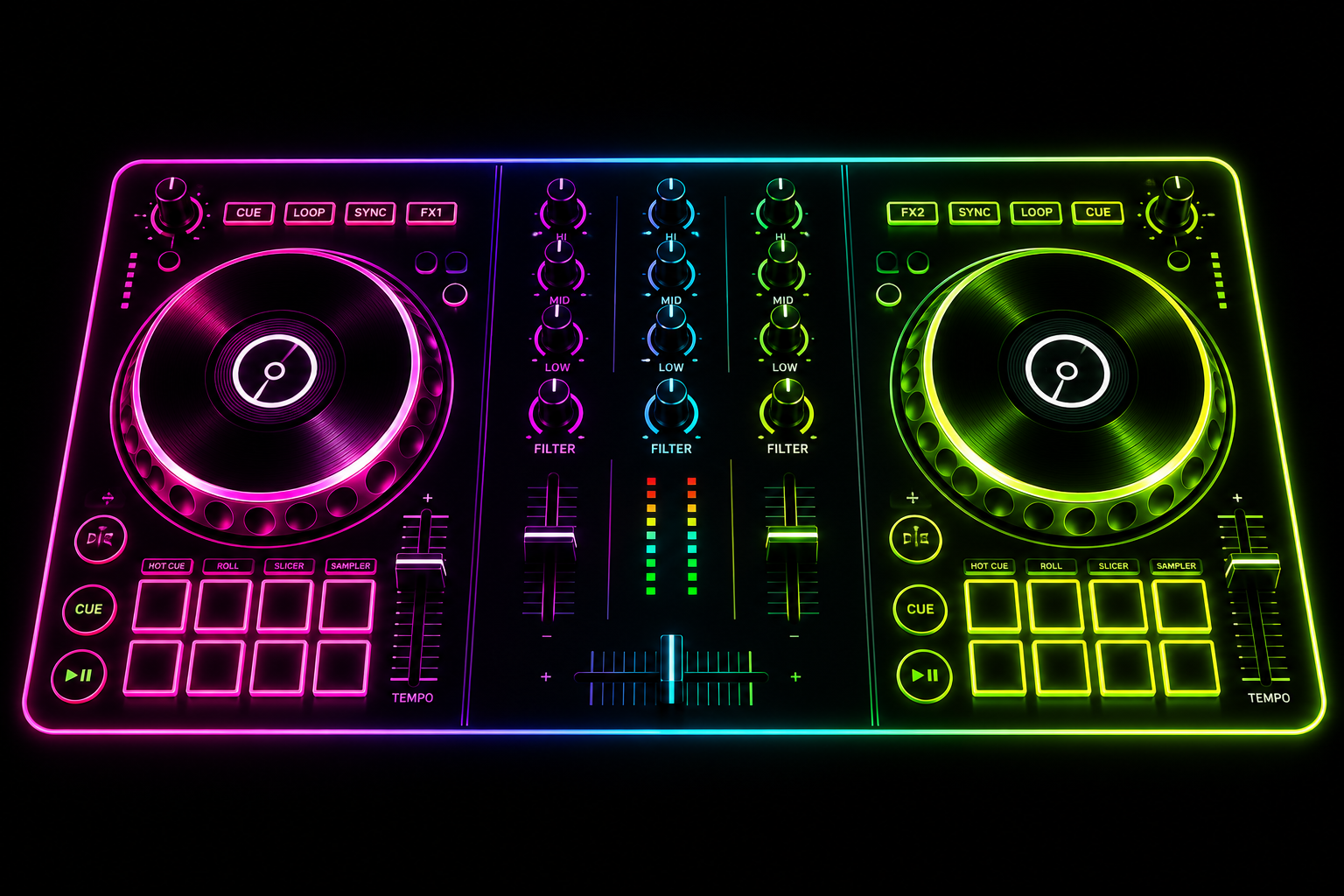
Install the app, route audio, name channels, print QR codes, and go live in under 5 minutes.
Read Guide →
2.4 GHz vs 5 GHz, access point capacity, dedicated SSIDs, and coverage testing tips.
Read Guide →
Connect your controller, set gain levels, switch sources mid-event, and troubleshoot audio.
Read Guide →All tiers include full software, updates, and email support. One license per installation.